


Wireless Gamepad For PS3 Controller Joystick Console Controle For Playstation 3 Joypad Accessories Support Bluetooth

Buy Wireless Gamepad For PS3 Controller Joystick Console Controle For Playstation 3 Joypad Accessories Support Bluetooth at Gearbest for . Find more 5090301 products and Enjoy ✓Free Shipping Worldwide! ✓Limited Time Sale ✓Easy Return.
15.36$ – 17.30$



Advertisement:
Wireless 2.4G Controller
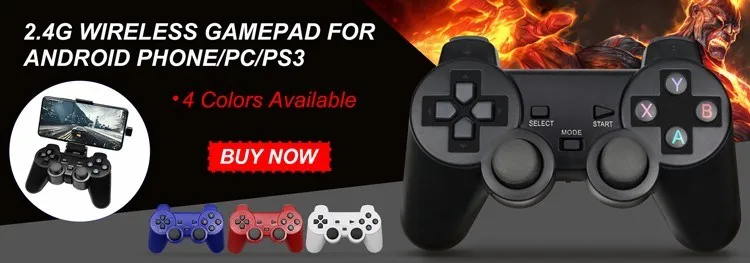
This game controller has no Bluetooth function, no vibration, using mature 2.4G wireless transmission technology! Support all kinds of android devices. Support PC, tablet, TV box, smart TV, for PS3. With the human body curve design, you won't feel tired even if you are addicted to the game for a long time!
Item Description:
FAQ :
Dear friend,Welcome to Game Station Store!I wish you a pleasant shopping time. Due to time differences, we may not be able to reply to your message in time, but you can normally get coupons and place orders. We will send your order within {48/72 hours}. If you have any urgent questions, you can try to leave us a message multiple times, we will try our best to reply in the shortest time and provide you with the corresponding solutions. Thanks for your patience!
Q: How to connect bluetooth?
A:1. turn on the game host, please make sure controller has enough power
2. use data cable(use original one if has) to connect controller with game host, then press "P3" button for 3-5 seconds, remove the cable when controller is synchronize with game host.
3. connect the host with bluetooth. (make sure controller is synchronize with game host)
Q:Why is the Controller flashing ,can't connect or no signal?
A:If the battery power is low, this situation will occur, it is recommended to charge the controller.
Q:Why the gamepad can not be charged?
A:Hello friend,is you charge the gamepad by Interface on the host computer?In this way, the current is too small and the charging is slow,and maybe the handle is completely out of power. Use the phone to quickly charge for 20 minutes.This is fast charging with the mobile phone, the host charging is slow
Q:What should i do if the light keeps flashing?
A:If the host is connected to the data cable and reconnected, press the P3 button in the middle when connecting to connect to the host by wire, and then unplug the data cable to connect to the host wirelessly.
Q:Why the gamepad buttons cannot be used normally?
A:Dear friends, we have always used the best packaging to protect the products. If your product is still unable to be used normally due to rough express delivery during transportation, such as springs or buttons that cannot work normally, please contact our customer service immediately. We will do Free Ruturn or a better way for you.
Q: If you think there is a problem with the product, or you don't like the product, how can you solve it?
A: Please contact the customer service of the store as soon as possible. In addition,there are 16 countries support "Free Return",product page displays the ''Free Return'' service label,which can No reason Local Return to get a Full Refund within 15 days after confirming receipt.
How Do You Sync with PS3?
1:You can use mini USB cable to activate the controller when it is put into use for the first time. 2: Connect the controller with your console, press the Home button and pull out the cable. Then you can use it wirelessly. 3:If it still does not work, you restart it or charge it. 4:If above methods failed, put a needle into the mini hole at the back of the controller and press the button to reset it.
How to turn on/off?
The PS3 controller will start when you press the round button or connect with computer by date cable. It will turn off when it takes 5 minutes after it is disconnected. If it can not stop working after a long time, please plug the data cable in computer then pull it out, thus it will be power off.
How To Charge the PS3 Controller?
1:Connect the console to the PS3 by the USB cable. 2:The red light on ps3 controller will be flashing when charging;the red light will turns off when fully charged.


Multiple Connection Methods
This support Bluetooth controller is compatible with multi-platform games. Support Bluetooth technology so you can connect to ps3 console wirelessly without delay.

Built in Vibration
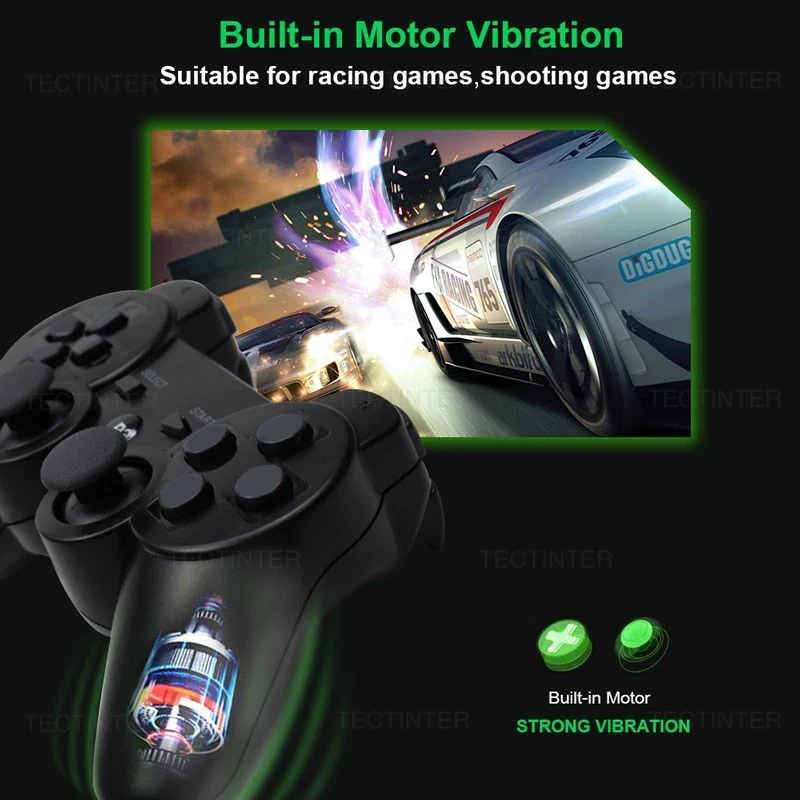
Built-in vibration motor for this gamepad, so that you can experience the joy of the game better! Strong vibration feedback for a personalized gaming experience, Let the player feels like they are on the battlefield.
Low Power Consumption
This game console uses high-performance second-generation physical technology, high-performance 400mAh lithium battery, you only need to charge the handle for 2 hours, you can play 3-5 hours at full power! When you are having fun, you won’t lose your enthusiasm and helplessness because the handle has no power! If you don't use the gamepad in time when connected, it will automatically shut down for 5 minutes without any operation, store power for your gamepad !

Ergonomics Design
The gamepad is designed with 3D rocker, 360° high precision . Comfortable cross key design for more flexible and accurate steering! Ergonomic grip, Non-slip texture, matte feel, long-term grip is not tired. This controller-style joy pad provides the ultimate control for your favorite games. Positioning, sensitivity and accuracy are high.

High Sensitive Button
All controllers has passed the strict repeat keystrokes test, ensure the good performance of the buttons , provide stability and basically zero game delay. High quality pressure sensitive D-Pad, 360° without dead zone joystick, high sensibility and accuracy action button, give you the fastest gaming experience


Dimentions:

FQA:
Q:How to connect to Bluetooth?
A:1. turn on the game host, please make sure controller has enough power
2. use data cable(use original one if has) to connect controller with game host, then press "P3" button for 3-5 seconds, remove the cable when controller is synchronize with game host.
3. connect the host with bluetooth. (make sure controller is synchronize with game host)
Q:Where can I use it?
A:Can only be connected to the PS3, need to connect to Bluetooth, can NOT be used in the phone/PC.
Q:How many can be paired
A:Can only match one
Q:How many can be paired
A:Can only match one
Q:Why can't I connect to Bluetooth according the steps?
A:You can contact customer service to send a match video
Q:it is wireless?
A:Yes
Package:
1 X wireless controller
1 X Charger Cable


Specification: Wireless Gamepad For PS3 Controller Joystick Console Controle For Playstation 3 Joypad Accessories Support Bluetooth
|
10 reviews for Wireless Gamepad For PS3 Controller Joystick Console Controle For Playstation 3 Joypad Accessories Support Bluetooth
Add a review


Related Products

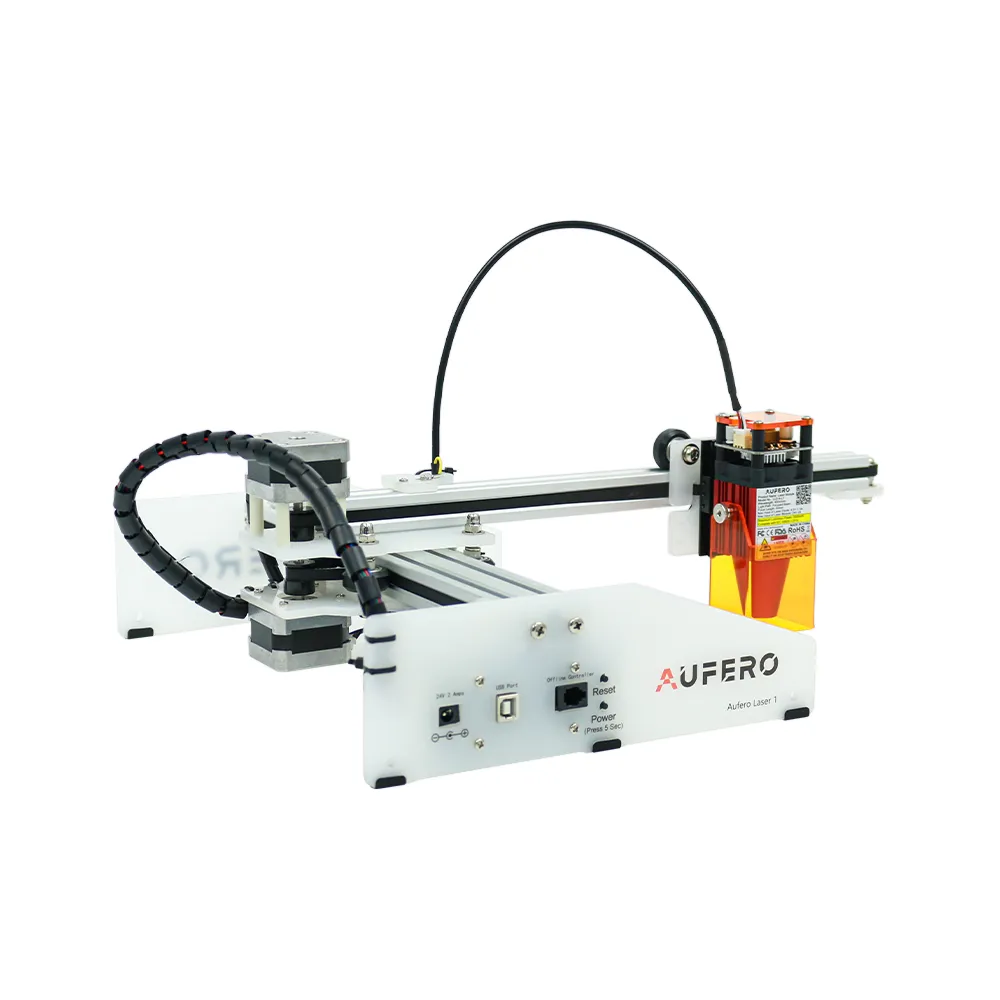
New Popular Portable Aufero Laser One Tombstone Headstone Marble Granite Engraver Machine for Stone Engraving Carving Printing

15.36$ – 17.30$


aaaaaaaaaaaaaaaaaaaaaaaaaaaaaaaaaaaaaaaaaaaaa