Featured! Sale!

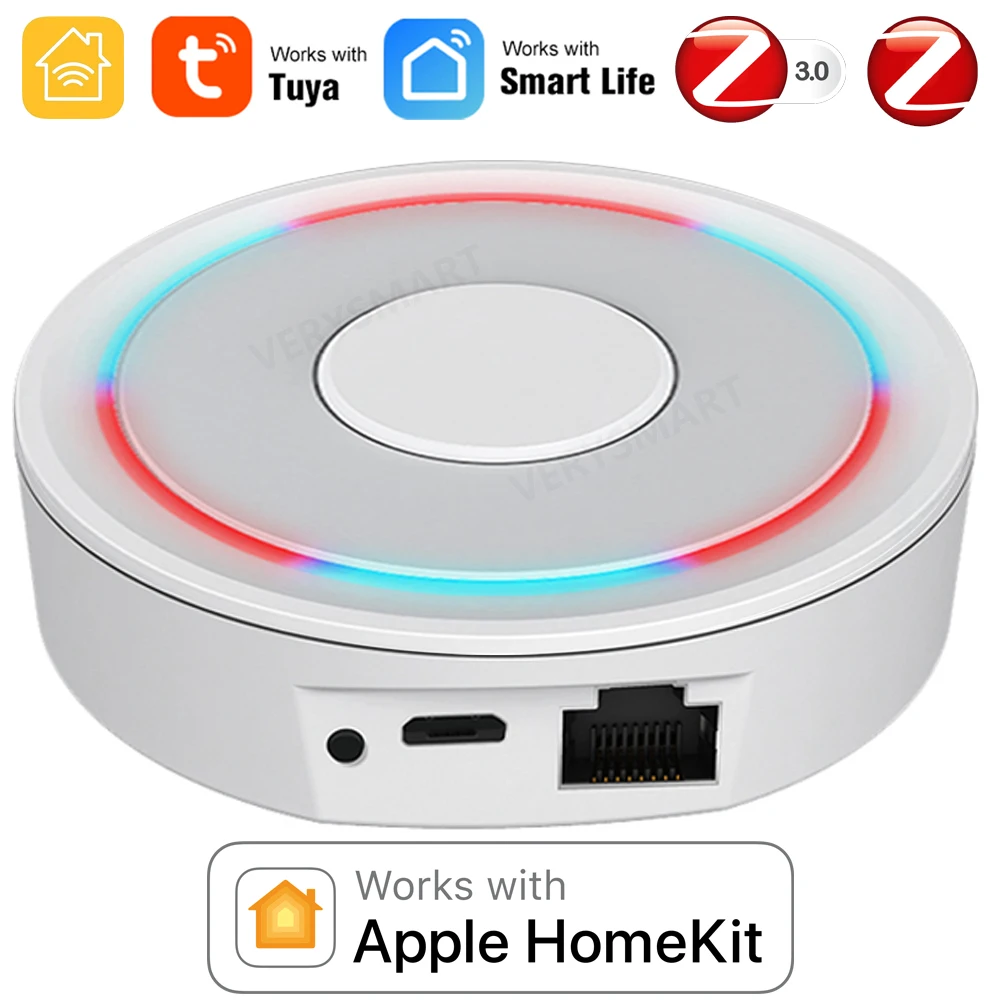
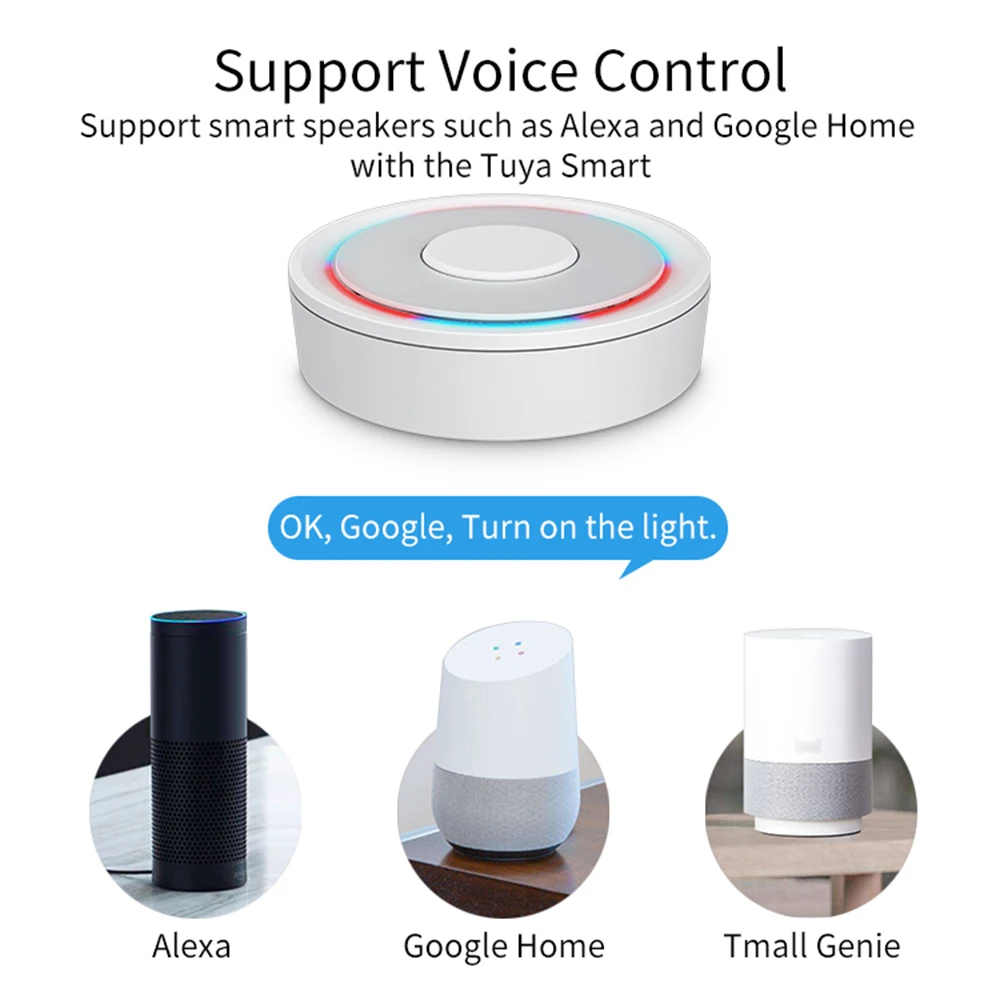
HomeKit ZigBee Gateway Hub Smart Home Bridge ZigBee APP Remote Control Works with Apple HomeKit Alexa Google Home Tuya SmartLife

(10 customer reviews)
norton

Buy HomeKit ZigBee Gateway Hub Smart Home Bridge ZigBee APP Remote Control Works with Apple HomeKit Alexa Google Home Tuya SmartLife and . Find more then 6090301 products and Enjoy ✓Free Shipping Worldwide! ✓Limited Time Sale ✓Easy Return.

16.09$21.45$

  • HomeKit Wired Hub
  • ZigBee Wired Hub
  • ZigBee Wireless Hub
  • HomeKit Door Sensor
  • HomeKit WaterSensor1
  • HomeKit WaterSensor2
  • HomeKit EU PowerPlug
  • HomeKit TH Sensor1
  • HomeKit TH Sensor2
  • HomeKit MotionSensor
  • HomeKitSwitchBreaker
  • HomeKit UK Plug
Clear
Added to wishlistRemoved from wishlist 0
Add to compare
SKU: 1005004718007133 Category:

HomeKit ZigBee Gateway Hub Smart Home Bridge ZigBee APP Remote Control Works with Apple HomeKit Alexa Google Home Tuya SmartLife

NOTE!NOTE!NOTE!

Please be sure to read all the textual descriptions in this link before purchasing. All the bad reviews so far come from misunderstandings about the product. All we implore you to read the product description in detail before buying this product, if you do not have time to read the product description in this link, please do not buy. Thanks!

NOTE!NOTE!NOTE!

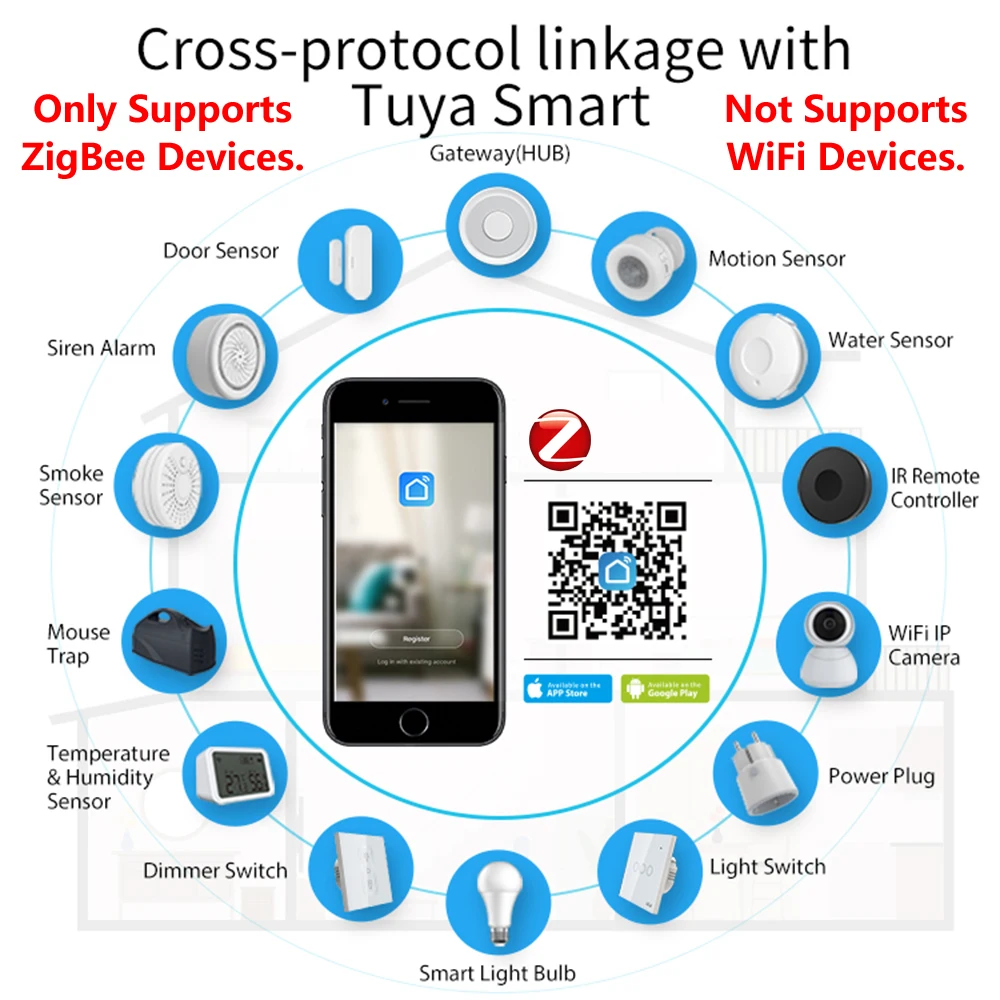
TUYA WiFi smart devices are not supported, only ZigBee smart devices are supported.Thanks!

Specification:

Model Number: Homekit ZigBee Gateway Hub 3.0 Gateway Hub

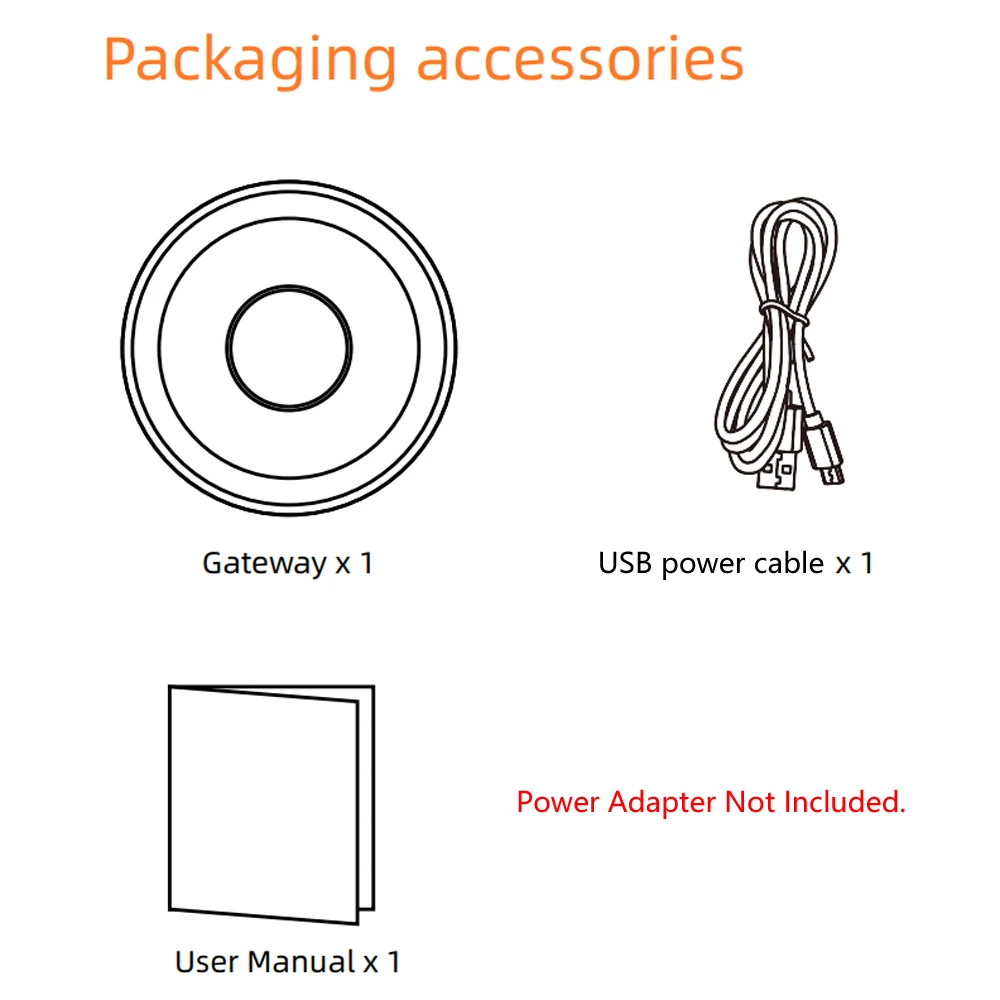
USB power supply: 5V/1A(Power adapter not included)

Working temperature: 10C-55℃

Working humidity: 10%-90% RU

Storage temperature: 10C-55℃

Storage humidity: 10%-90% RH

Network protocol: Zigbee IEEE 802.15.4

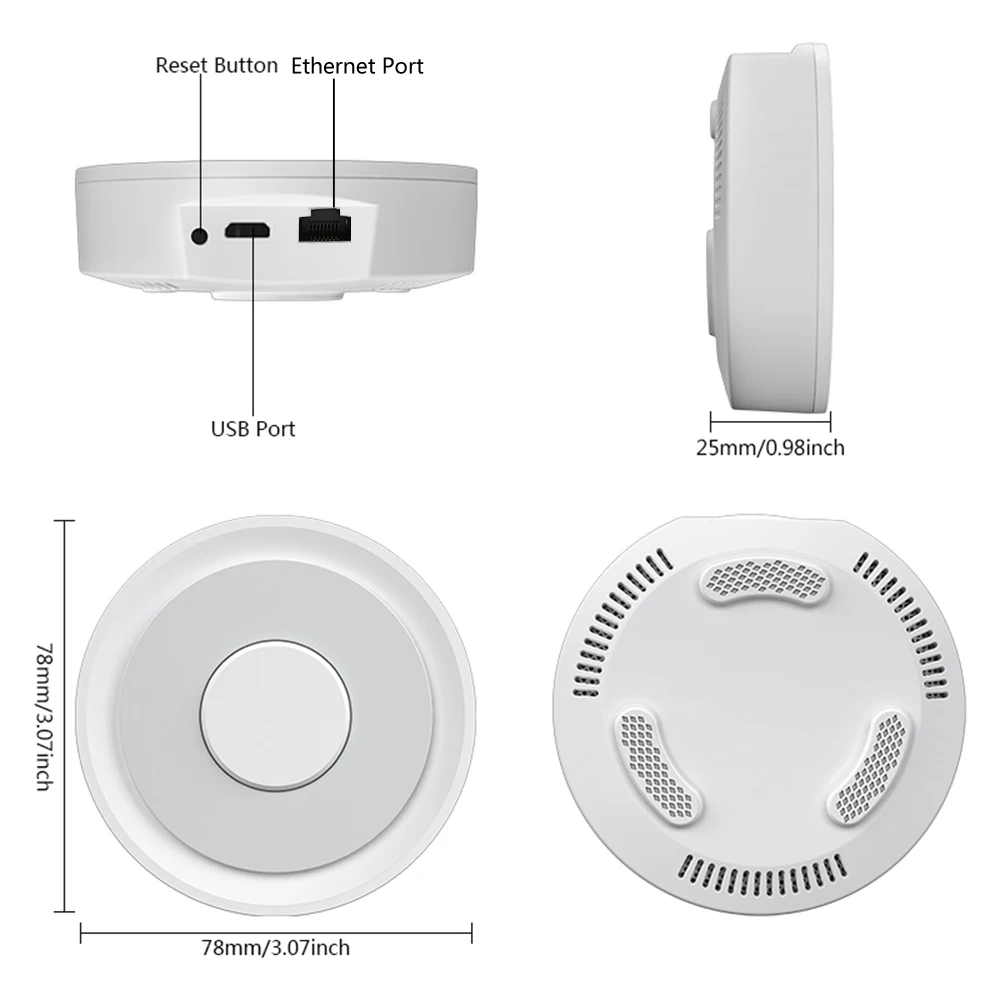
Product type: Wired gateway(Needs to be connected to the network through the Ethernet Port.)

Firmware upgrade: OTA support

Size: 78x78x25MM

NOTE!NOTE!NOTE!

Please be sure to read the following description completely before purchasing. Otherwise you are likely to misunderstand the function of the device. Thanks!

All options do not include power adapter.

1. None of the three options supports Bluetooth.

2.Option 1 (HomeKit Wired Hub)

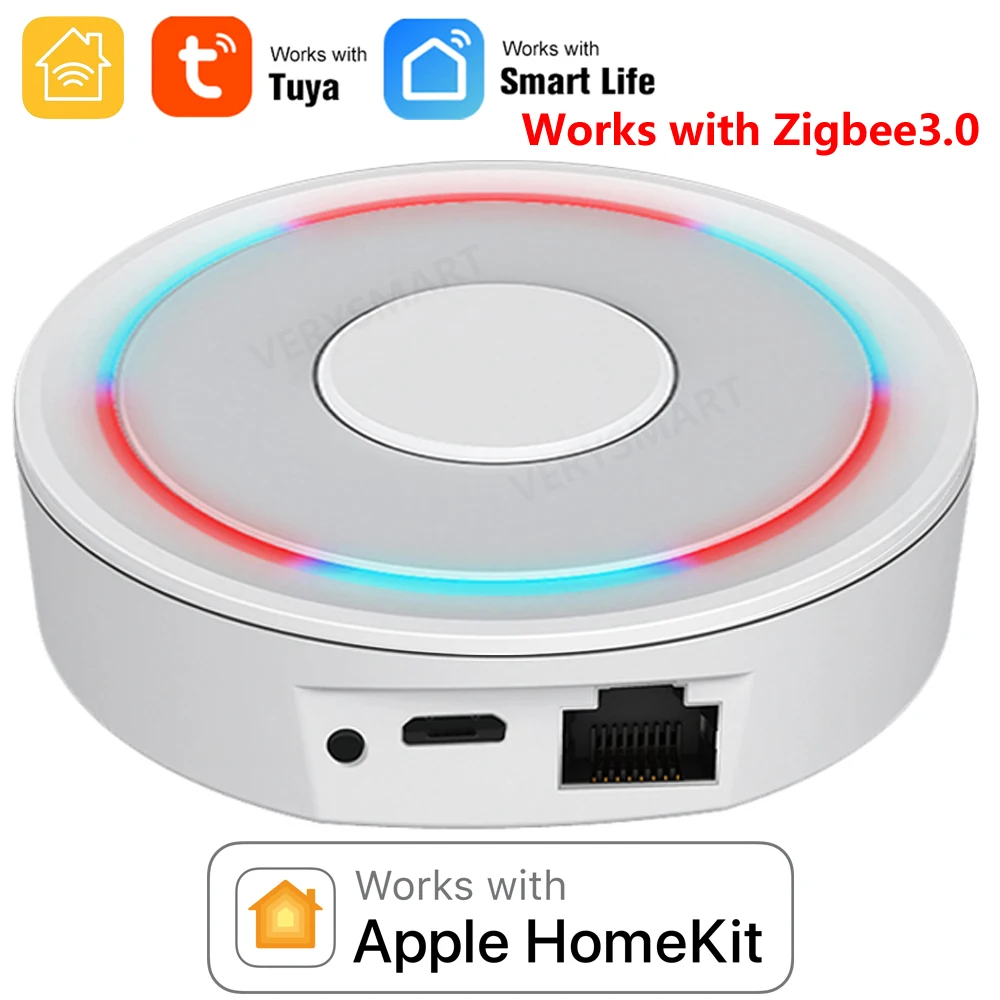
①Supports both HomeKit and ZigBee protocols.

②This device cannot be directly connected to WiFi(Needs to be connected to the network through the Ethernet Port,The Ethernet port is only used for network connection, not for power supply).

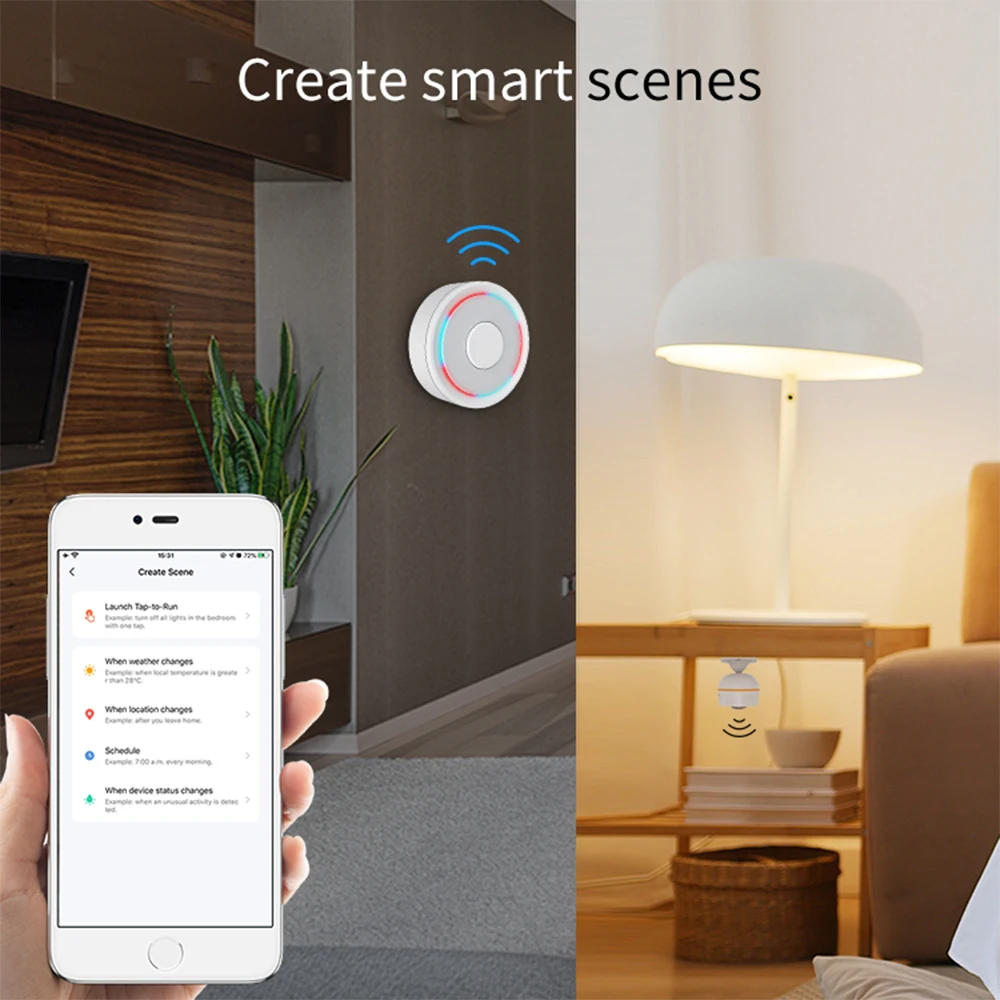
③This is a dual-purpose gateway, which can be used as a ZigBee Hub to connect with TUYA APP, or as a HomeKit Hub to connect with Apple Home APP.

④If you want your Zigbee smart device to connect to Apple Home APP through this Gateway/Hub, you need to make sure your Zigbee smart device supports HomeKit authentication protocol.

⑤When using the TUYA APP, Most Zigbee devices can be added to the gateway. (Non-ZigBee protocol smart devices such as TUYA WiFi smart devices cannot access this ZigBee gateway).

⑥When using the Apple Home APP, you can add HomeKit-certified Zigbee devices to the gateway.

⑦Only HomeKit certified Zigbee smart devices can be added to the Apple Home APP.Therefore, you cannot connect an uncertified TUYA Zigbee smart device to the Apple Home APP through this HomeKit Hub.

⑧When you use Apple Home APP to connect smart devices, you need to make sure that your smart devices are using ZigBee protocol and have been certified by HomeKit, otherwise it will not work, thanks.

⑨This gateway is not compatible with the following device:

⑴.Tuya Zigbee Smart IR Remote (Tuya ZS06), this device requires the Main Module Versin of the gateway must be higher than 1.31.0, and our gateway Main Module Versin is: 1.3.0.

⑵.ZigBee Multi-gang Switch.

⑶ZigBee Multi-gang Switch Module.

⑷More incompatible devices will be updated one after another.

⑩Please note: The latest version of the HomeKit APP has been updated. Devices such as gateways and bridges will no longer be displayed on the homepage and the homepage of the default room. You will not see the gateway that has been successfully added to the HomeKit APP in the default room.

⑪Non-ZigBee protocol smart devices such as TUYA WiFi smart devices cannot access this ZigBee gateway.

 
How to find this Gateway in the Apple Home APP ?
Step 1: Click Home Settings. Step 2: Click Home Hubs & Bridges. Step 3: Click Bedroom NEO Gateway (the gateway you want to find). How to add a sub-device, please refer to the steps of adding a sub-device below. After the gateway is successfully added, there is basically no need to operate in the app, unless you want to delete the gateway, so it is a reasonable arrangement to hide it in the default room. When you need to pair with a smart device, you only need to short press the black button on the gateway.
 
How to restore factory settings:
You can restore factory settings by long pressing the black button on the device, but you cannot judge whether the factory settings are successfully restored by factors such as lights. You need to connect the device to TUYA / Smart Life APP first, and then long press the black button on the device. When you see the gateway disappear from your TUYA / Smart Life APP, you can prove that the factory reset is complete.
 
How to use TUYA / Smart Life APP and Apple Home APP at the same time?
If you want to use two APPs at the same time, we recommend to connect Apple Home APP first, and then connect TUYA / Smart Life APP, everything will go smoothly. Conversely, when you connect TUYA / Smart Life APP first, then connect Apple Home APP, It will cause the Apple Home APP to fail to connect, and the device cannot be found.

3. Option 2 (ZigBee Wired Hub)

①Does not support HomeKit protocol.

This device cannot be directly connected to WiFi(Needs to be connected to the network through the Ethernet Port,The Ethernet port is only used for network connection, not for power supply).

③You can use TUYA APP or Smart Life APP to connect to this gateway, Apple Home APP is not supported.which can connect most ZigBee smart devices to the above two APPs.

④Non-ZigBee protocol smart devices such as TUYA WiFi smart devices cannot access this ZigBee gateway.

4. Option 3 (ZigBee Wireless Hub)

①Does not support HomeKit protocol.

This device can be directly connected to WiFi(Only supports 2.4Ghz WiFi network, does not support 5Ghz WiFi network).This device does not contain the Ethernet Port(POE).

③You can use TUYA APP or Smart Life APP to connect to this gateway, Apple Home APP is not supported.which can connect most ZigBee smart devices to the above two APPs.

④Non-ZigBee protocol smart devices such as TUYA WiFi smart devices cannot access this ZigBee gateway.

5. Option 4 (HomeKit Door Sensor)

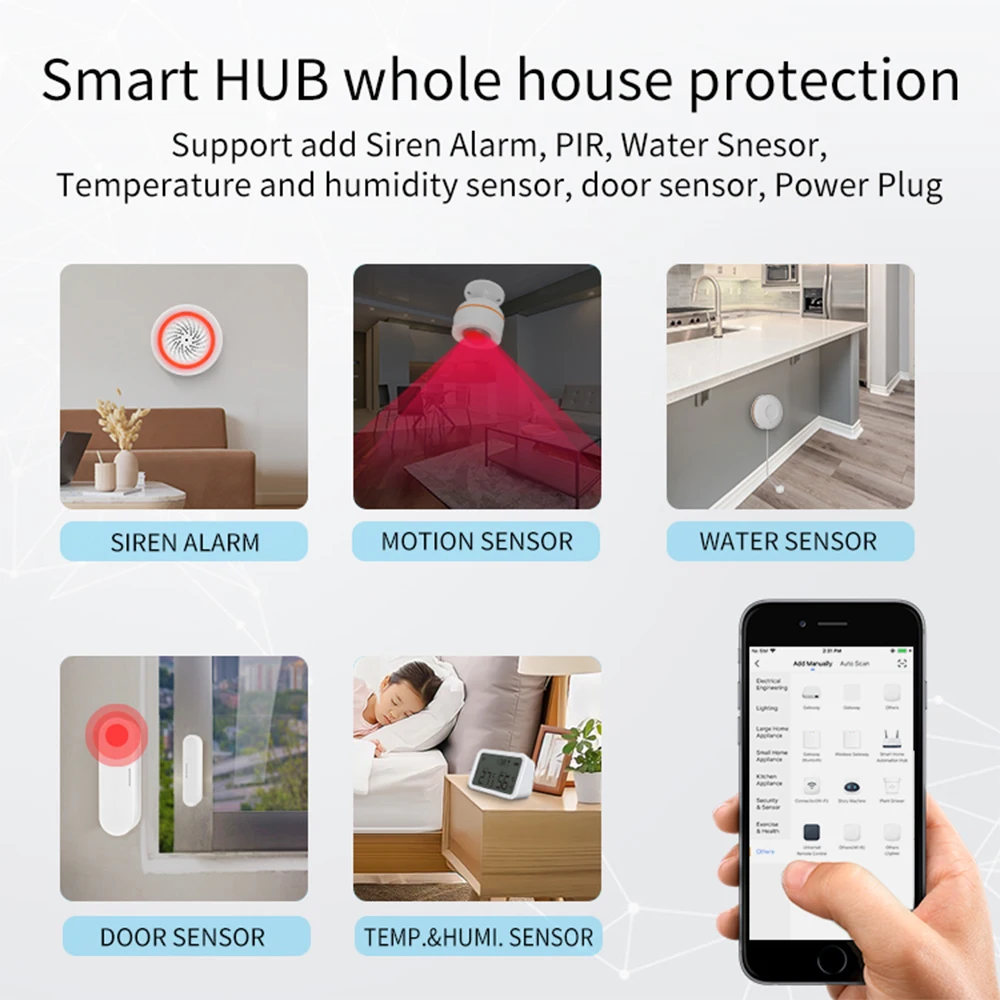
①This is a dual-purpose Door Sensor, which can be used as a ZigBee 3.0 device to connect with TUYA APP, or as a HomeKit Door Sensor to connect with Apple Home APP.

②This device cannot be directly linked to TUYA/Apple Home APP, this HomeKit device needs to work with HomeKit hub/gateway.

6. Option 5 (HomeKit Water Sensor1)

①This is a dual-purpose Water Leak Sensor, which can be used as a ZigBee 3.0 device to connect with TUYA APP, or as a HomeKit Water Sensor to connect with Apple Home APP.

②This device cannot be directly linked to TUYA/Apple Home APP, this HomeKit device needs to work with HomeKit hub/gateway.

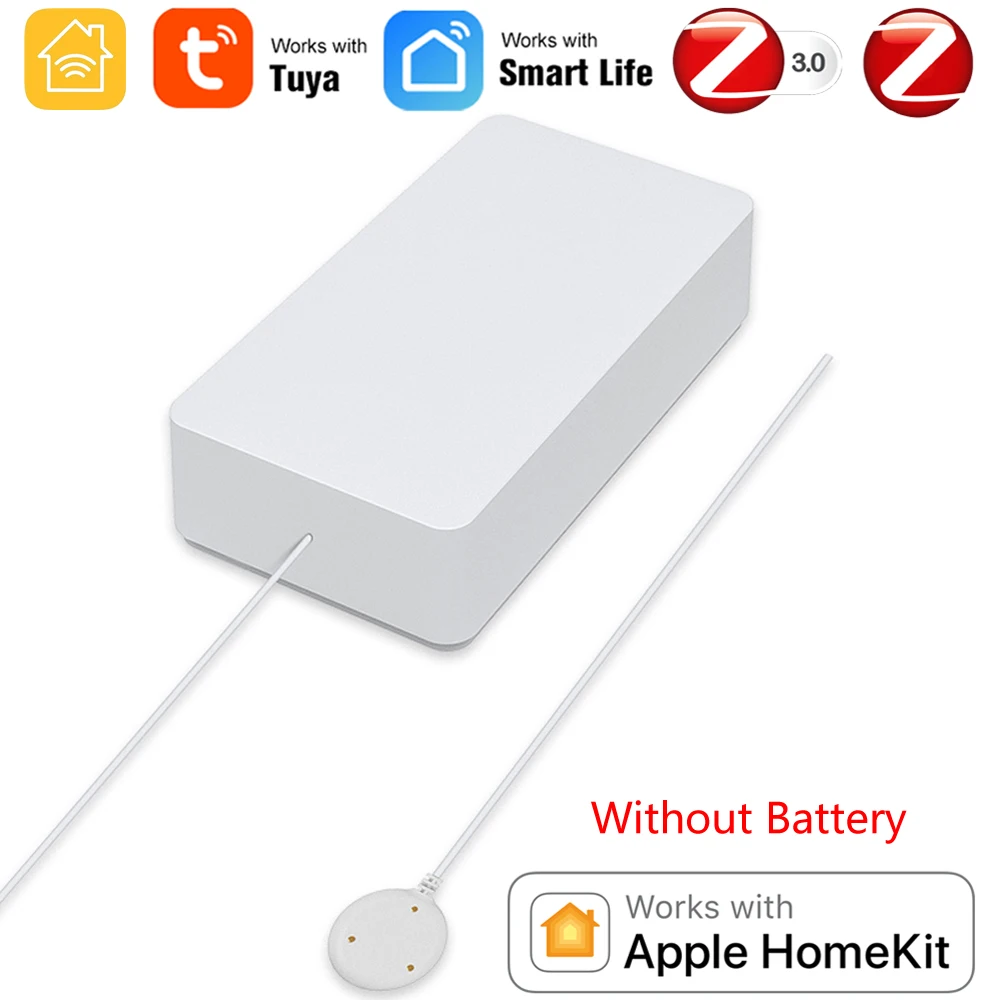
7. Option 6 (HomeKit Water Sensor2)

①This is a dual-purpose Water Leak Sensor, which can be used as a ZigBee 3.0 device to connect with TUYA APP, or as a HomeKit Water Sensor to connect with Apple Home APP.

②This device cannot be directly linked to TUYA/Apple Home APP, this HomeKit device needs to work with HomeKit hub/gateway.

8.Option 7 (HomeKit EU PowerPlug)

①This is a dual-purpose EU Power Plug, which can be used as a ZigBee 3.0 device to connect with TUYA APP, or as a HomeKit EU Power Plug to connect with Apple Home APP.

②This device cannot be directly linked to TUYA/Apple Home APP, this HomeKit device needs to work with HomeKit hub/gateway.

③This HomeKit EU Power Plug does not support EU countries: Italy and France(the jack is not compatible).

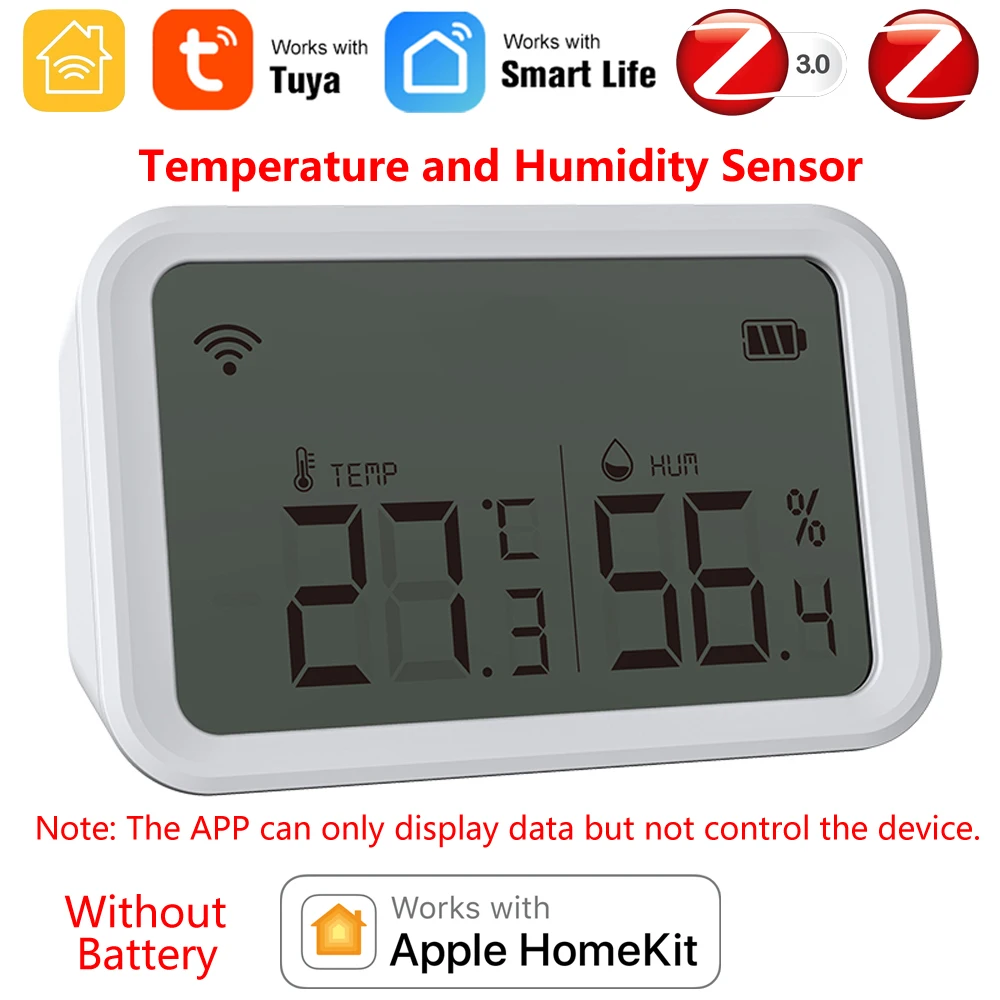
9.Option 8 (HomeKit TH Sensor 1)(Temperature and Humidity Sensor)
①This is a dual-purpose Temperature and Humidity Sensor, which can be used as a ZigBee 3.0 device to connect with TUYA APP, or as a HomeKit Temperature and Humidity Sensor to connect with Apple Home APP.
②This device cannot be directly linked to TUYA/Apple Home APP, this HomeKit device needs to work with HomeKit hub/gateway.

③Note: The APP can only display data but not control the device.
10.Option 9 (HomeKit TH Sensor 2)(Temperature and Humidity Sensor)
①This is a dual-purpose Temperature and Humidity Sensor, which can be used as a ZigBee 3.0 device to connect with TUYA APP, or as a HomeKit Temperature and Humidity Sensor to connect with Apple Home APP.
②This device cannot be directly linked to TUYA/Apple Home APP, this HomeKit device needs to work with HomeKit hub/gateway.

③Note: The APP can only display data but not control the device.
11.Option 10 (HomeKit Motion Sensor)
①This is a dual-purpose PIR Motion Sensor, which can be used as a ZigBee 3.0 device to connect with TUYA APP, or as a HomeKit PIR Motion Sensor to connect with Apple Home APP.
②This device cannot be directly linked to TUYA/Apple Home APP, this HomeKit device needs to work with HomeKit hub/gateway.
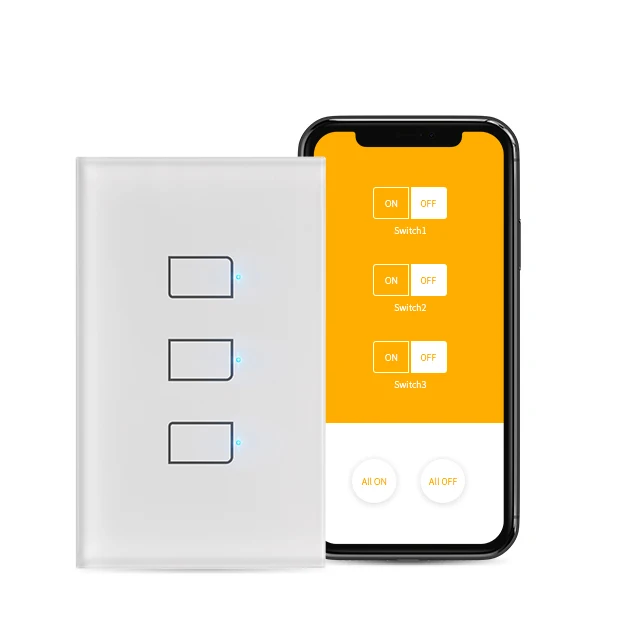
12.Option 11 (HomeKit Smart Switch Breaker 2 Gang)
①This is a dual-purpose Smart Switch Breaker, which can be used as a ZigBee 3.0 device to connect with TUYA/Smart Life APP, or as a HomeKit Smart Switch Breaker to connect with Apple Home APP.
②This device cannot be directly linked to TUYA/Apple Home APP, this HomeKit device needs to work with HomeKit ZigBee hub/gateway.
③NOTE:2 Way Control ,Max Current: 5A*2
13.Option 12 (HomeKit Zigbee UK Power Plug)
①This is a dual-purpose UK Power Plug, which can be used as a ZigBee 3.0 device to connect with TUYA/Smart Life APP,, or as a HomeKit UK Power Plug to connect with Apple Home APP.
②This device cannot be directly linked to TUYA/Smart Life/Apple Home APP, this HomeKit device needs to work with HomeKit ZigBee hub/gateway.
Steps to add HomeKit child device(Homekit Accessories):
 
Add and manage sub-devices
1.Sub-device additions
(1)Long press the reset button of sub-device to make the sub-device enter the standby state (the indicator lights on).
(2)Short press the gateway reset button to make the gateway enter the sub-device adding state (steady blue, flashing purple).
(3) The device will be automatically added to the gateway. After adding, please find the gateway in the APP through the following path (Step 1: Click Home Settings. Step 2: Click Home Hubs & Bridges. Step 3: Click Bedroom NEO Gateway (the gateway you want to find).)
 
2. Sub-device settings
Long press the sub-device icon to enter Settings
 
3. Remove child device
Since there is no option to directly remove the sub-device in the HomeKit gateway in the Apple Home APP, it is necessary to remove the sub-device from the TUYA APP, and the Apple Home APP will remove it synchronously. For details, please refer to the demo video. thanks.
 
Please note: The content shown in the video is outdated, and the HomeKit APP has been updated. After the update, the added gateway will not be displayed in the default room. How to find the added gateway: Step 1: Click Home Settings. Step 2: Click Home Hubs & Bridges. Step 3: Click Bedroom NEO Gateway (the gateway you want to find).

 
Packaging Accessories:

Electronic version of the English instruction manual:

Option4(HomeKit Door Sensor)↓↓↓

Option5(HomeKit Water Sensor1)↓↓↓
Option6(HomeKit Water Sensor2)↓↓↓

Option 7 (HomeKit EU PowerPlug)↓↓↓

Option 8 (HomeKit TH Sensor 1)(Temperature and Humidity Sensor)↓↓↓

Option 9 (HomeKit TH Sensor 2)(Temperature and Humidity Sensor)↓↓↓

Option 10 (HomeKit PIR Motion Sensor)↓↓↓

Option 11 (HomeKit Smart Switch Breaker 2 Gang)↓↓↓

Option 12 (HomeKit Zigbee UK Power Plug)↓↓↓

Specification: HomeKit ZigBee Gateway Hub Smart Home Bridge ZigBee APP Remote Control Works with Apple HomeKit Alexa Google Home Tuya SmartLife

Color

HomeKit Wired Hub, ZigBee Wired Hub, ZigBee Wireless Hub, HomeKit Door Sensor, HomeKit WaterSensor1, HomeKit WaterSensor2, HomeKit EU PowerPlug, HomeKit TH Sensor1, HomeKit TH Sensor2, HomeKit MotionSensor, HomeKitSwitchBreaker, HomeKit UK Plug

Model Number

Homekit Zigbee Gateway Hub

Brand Name

VERYSMART

Origin

CN(Origin)

Smart home platform

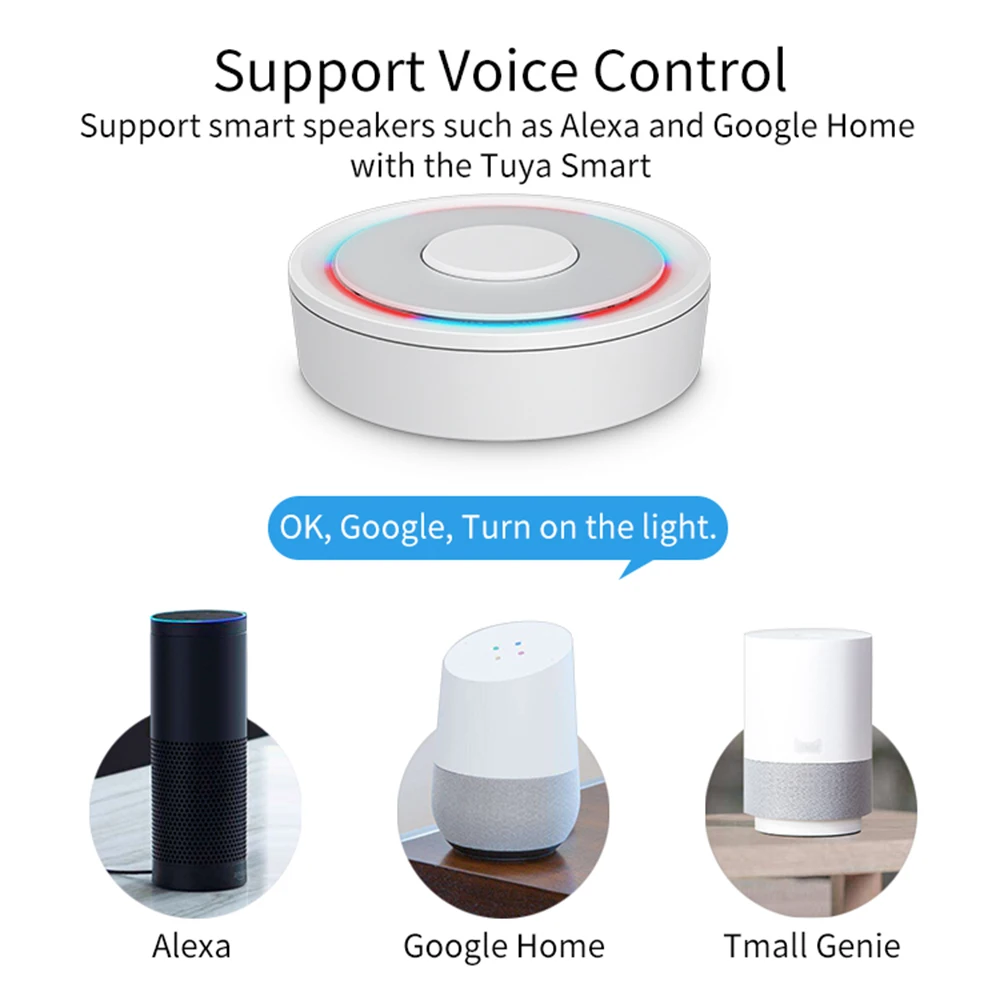
Alexa,Tuya,Google Assistant,Apple HomeKit

USB power supply

5V/1A

Working temperature

10C-55℃

Working humidity

10%-90% RU

Storage temperature

10C-55℃

Storage humidity

10%-90% RH

Network protocol

Zigbee IEEE 802.15.4

Product type

Wired

Firmware upgrade

OTA support

Size

78x78x25MM

10 reviews for HomeKit ZigBee Gateway Hub Smart Home Bridge ZigBee APP Remote Control Works with Apple HomeKit Alexa Google Home Tuya SmartLife

5.0 out of 5
10
0
0
0
0
Write a review
Show all Most Helpful Highest Rating Lowest Rating
  1. B*****b
    2025-09-13
    Helpful? 0 0
    T*****j
    2025-09-13
    Helpful? 0 0
    J*****z
    2025-09-13
    Doesn't work as it should.
    Helpful? 0 0
    G*****g
    2025-09-13
    Everything OK
    Helpful? 0 0
    Z*****g
    2025-09-13
    It took 3 months to arrive. It is likely that the shipping issue is from my country, Argentina. It connected very easily to my Wi-Fi network, but ...More
    It took 3 months to arrive. It is likely that the shipping issue is from my country, Argentina.

    It connected very easily to my Wi-Fi network, but I can't connect other Zigbee devices to it. I'm not sure if the problem is this device or the devices I want to add. Find the devices, but I'm encountering a connection authorization error.
    Helpful? 0 0
    U*****b
    2025-09-13
    Charging on type C. Well-made. Arrived in a whole package. Connected to Tuya the first time. It also quickly connected to the Zigbee device.
    Helpful? 0 0
    Y*****w
    2025-09-13
    The goods arrived quickly, it works
    Helpful? 0 0
    J*****d
    2025-09-13
    It arrived well, waiting to try it
    Helpful? 0 0
    Iside Casaletto
    2025-09-13
    At first, when connected to Home Kit, there were dances with a tambourine. But after installing the branded guide and night on the lace. Everything wo...More
    At first, when connected to Home Kit, there were dances with a tambourine. But after installing the branded guide and night on the lace. Everything worked as it should. Great item for such money.
    Helpful? 0 0
    B*****z
    2025-09-13
    Product of terrible quality!!! It's not stopping!! !
    Helpful? 0 0

    Add a review

    Review our product to get a chance to receive coupon!

    Your email address will not be published. Required fields are marked *

    Top offers
    HomeKit ZigBee Gateway Hub Smart Home Bridge ZigBee APP Remote Control Works with Apple HomeKit Alexa Google Home Tuya SmartLife
    HomeKit ZigBee Gateway Hub Smart Home Bridge ZigBee APP Remote Control Works with Apple HomeKit Alexa Google Home Tuya SmartLife

    16.09$21.45$

    Translate »
    Gearbest
    Logo
    Compare items
    • Total (0)
    Compare
    Shopping cart