


HDMI-Compatible Wireless Transmitter and Receiver1080P 30m Plug & Play 2.4G/5G Stable Video Audio to Monitor from Laptop/PC/TV

Buy HDMI-Compatible Wireless Transmitter and Receiver1080P 30m Plug & Play 2.4G/5G Stable Video Audio to Monitor from Laptop/PC/TV and . Find more then 6090301 products and Enjoy ✓Free Shipping Worldwide! ✓Limited Time Sale ✓Easy Return.
Original price was: 111.70$.52.79$Current price is: 52.79$.



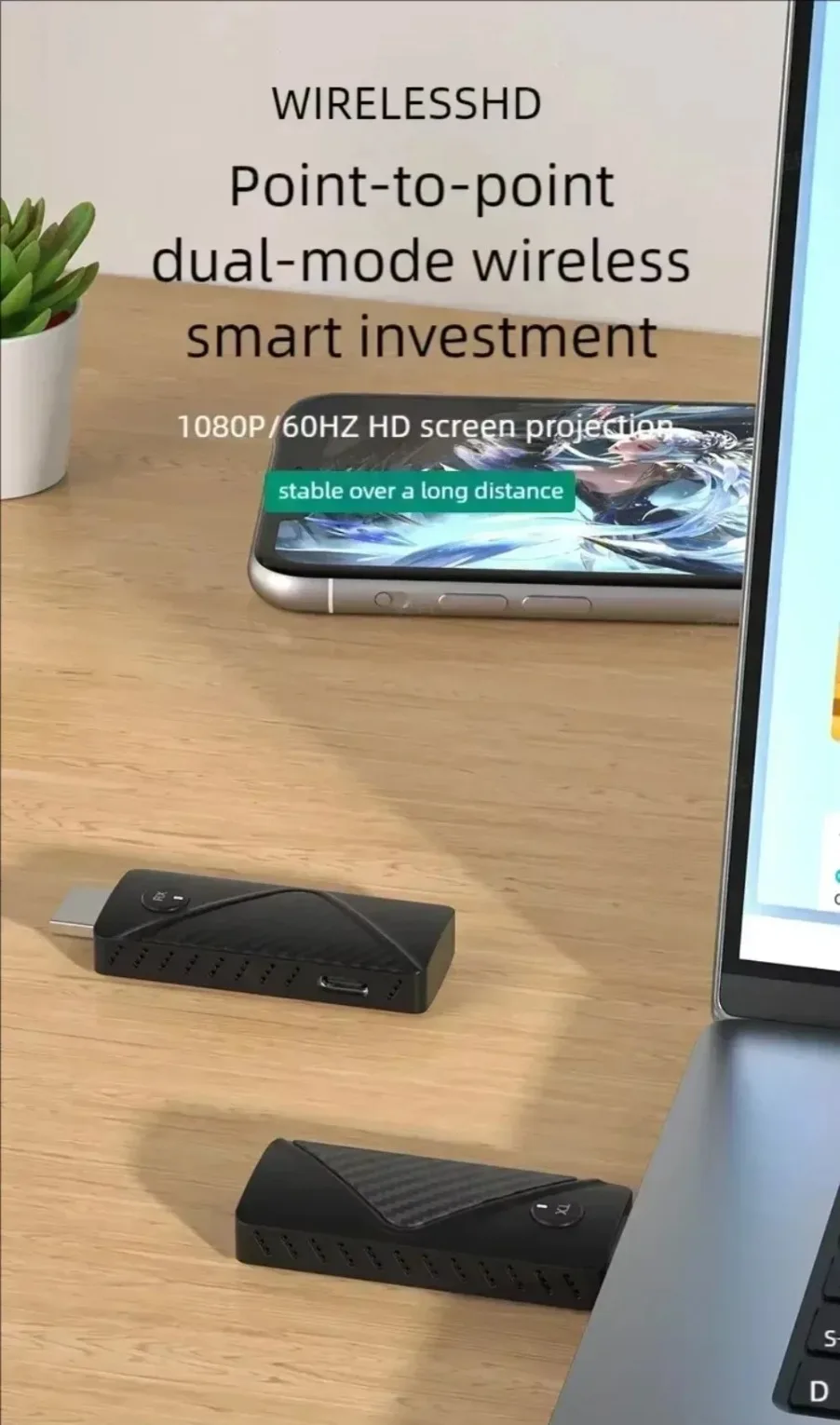
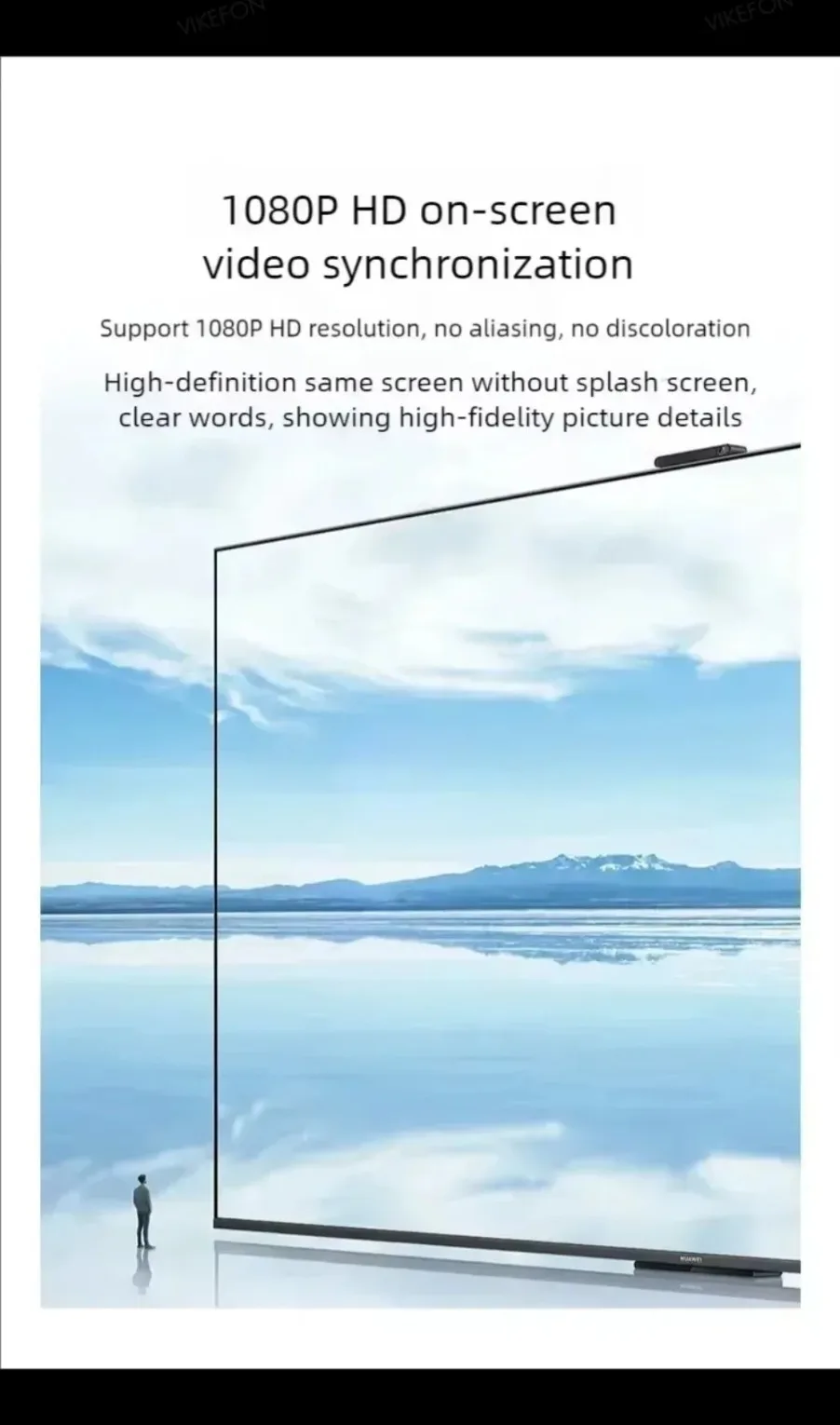
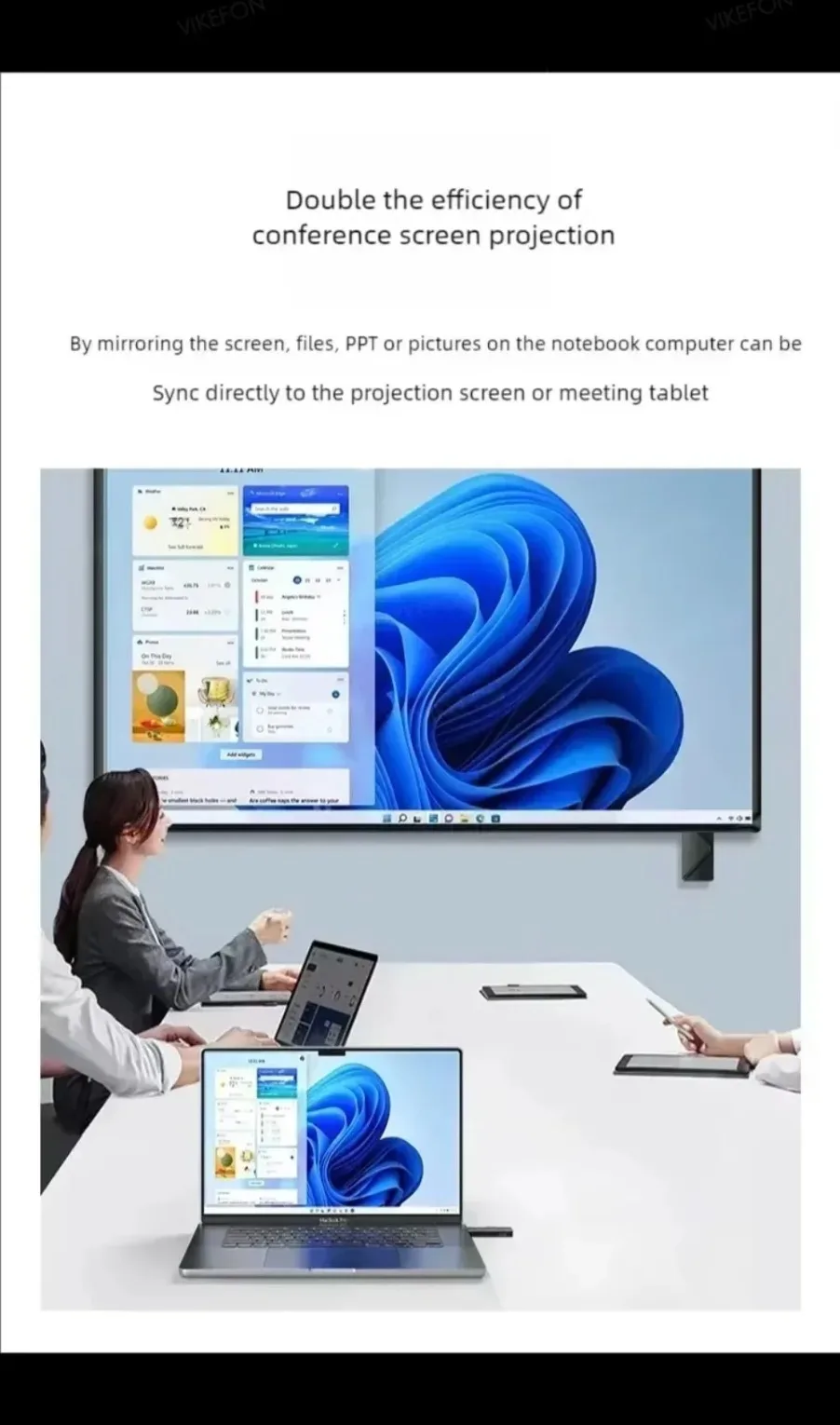
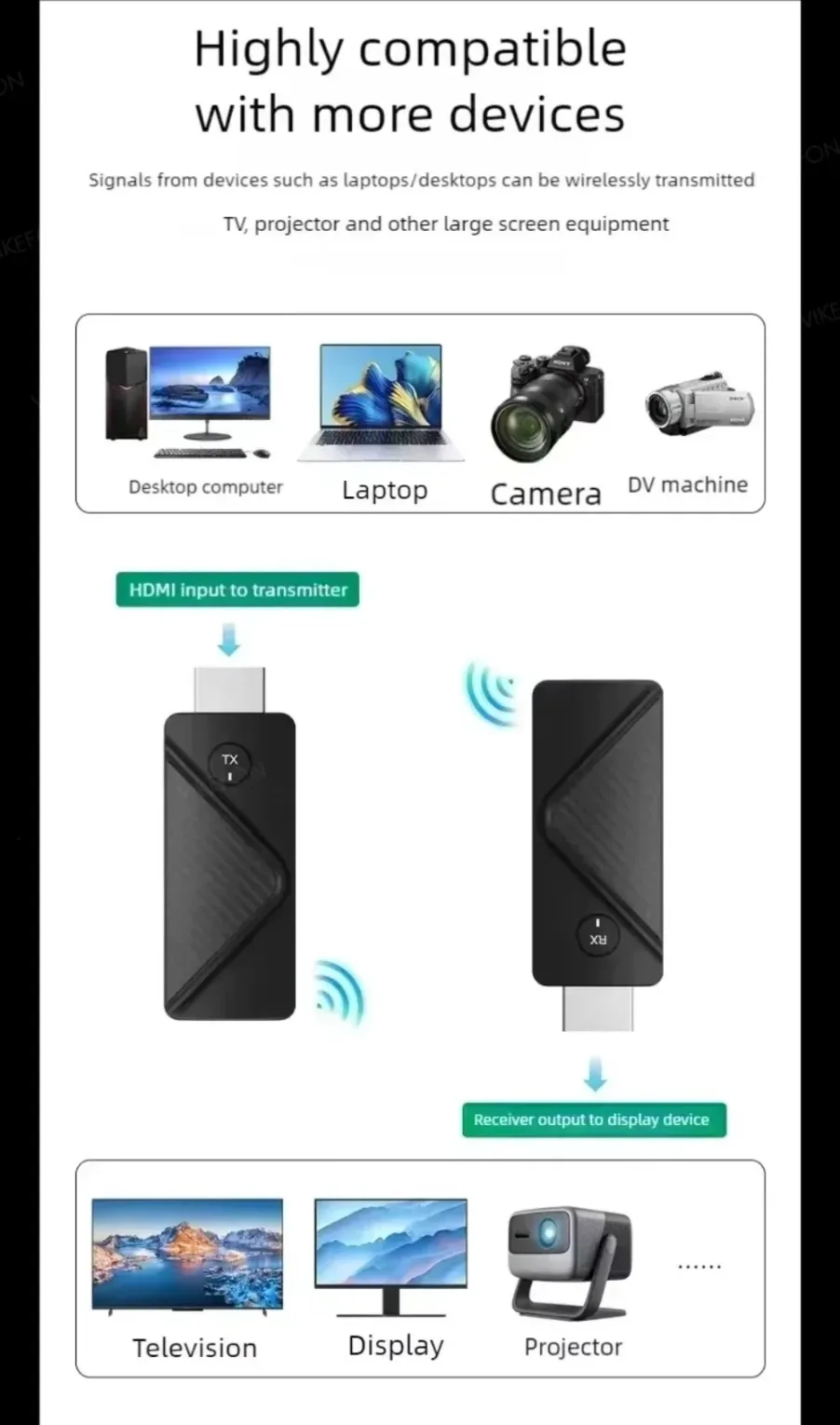
The HDMI wireless transmitter transmits high-definition audio and video signals through 5G WiFi, and high-definition videos from PCs or fully functional mobile devices are transmitted through WiFi, enabling one-on-one applications. The device has excellent image processing and transmission capabilities, making signal transmission smoother and more stable.
Main characteristics
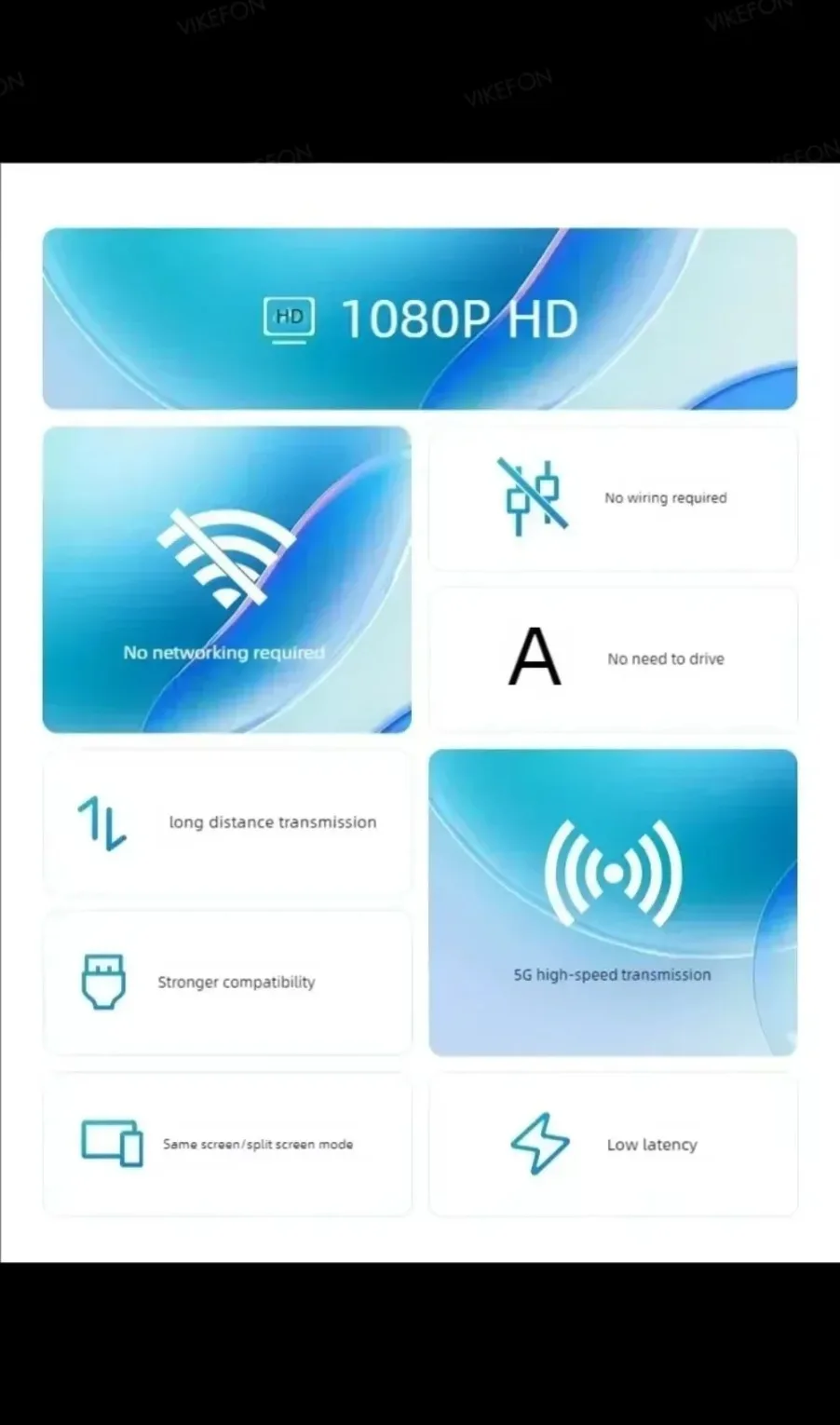
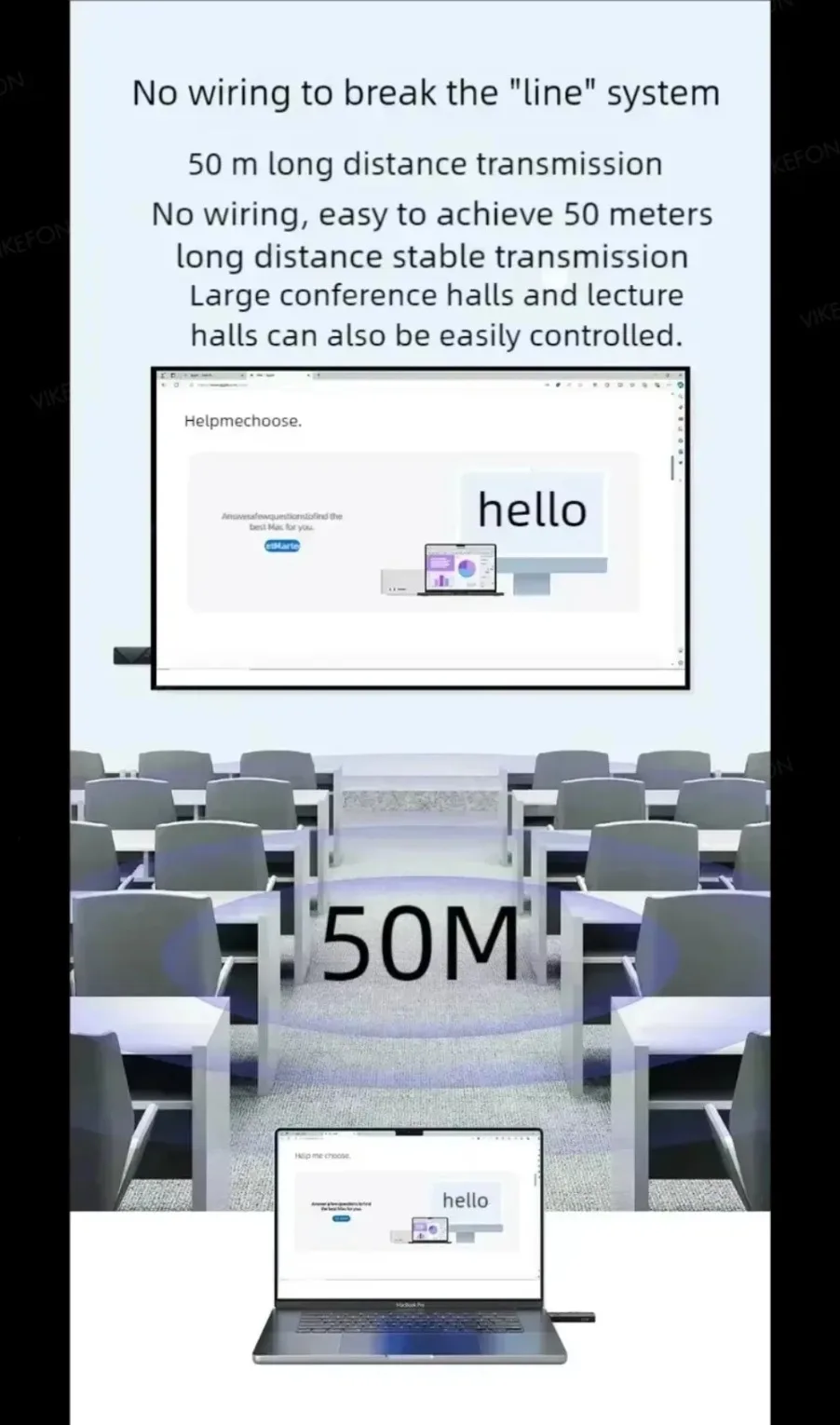
1. Transmit HDMI video and audio signals over long distances via WiFi, up to 50 meters in length;
2. Compatible with HDMI 1.4 and 1.3 standards;
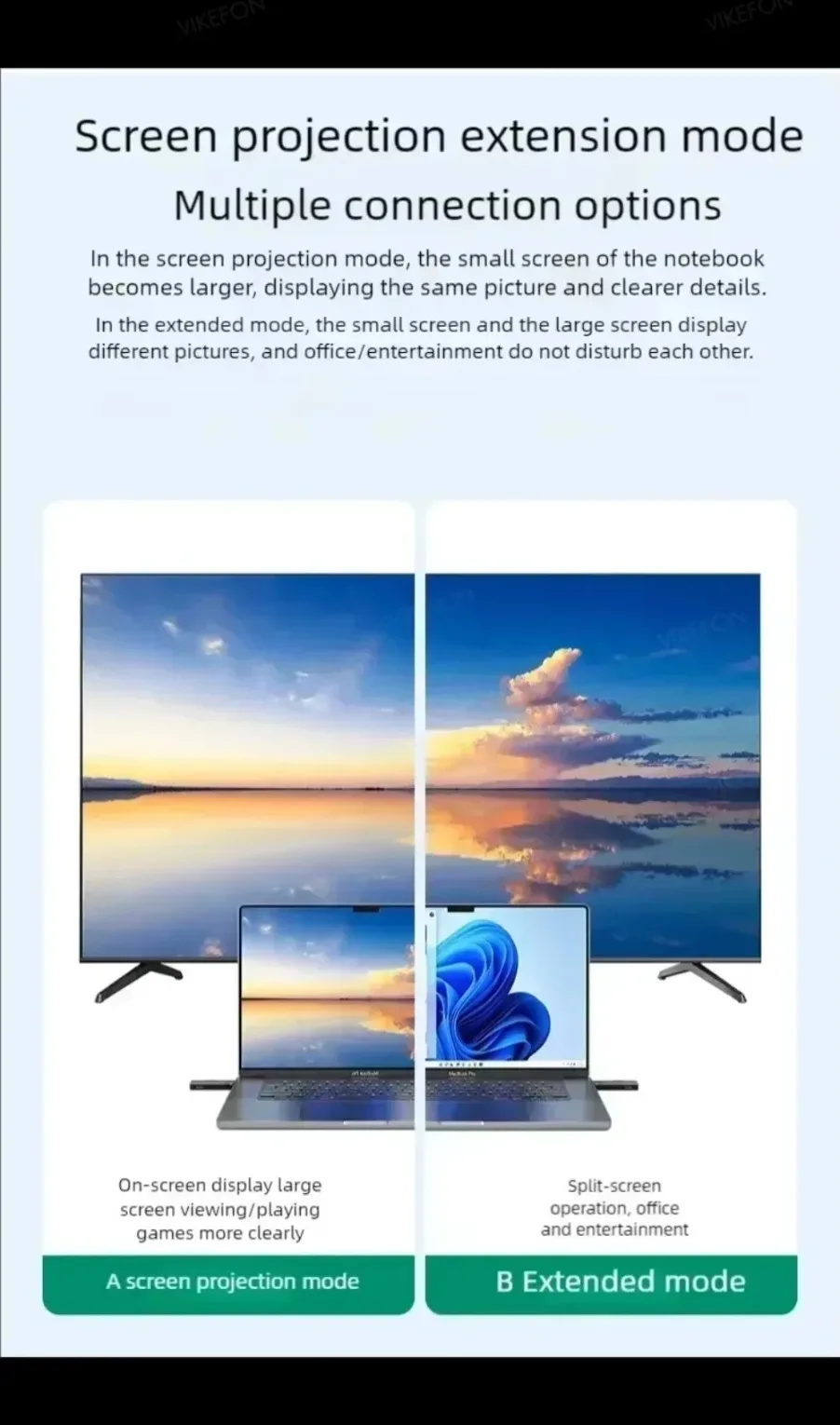
3. Able to automatically recognize and configure various display modes;
4. Built in automatic balancing system, smooth, clear, and stable screen;
5. No software, no settings, no drivers required, just connect to cast the screen
Connection and usage
Receiver+transmitter combination, plug and play
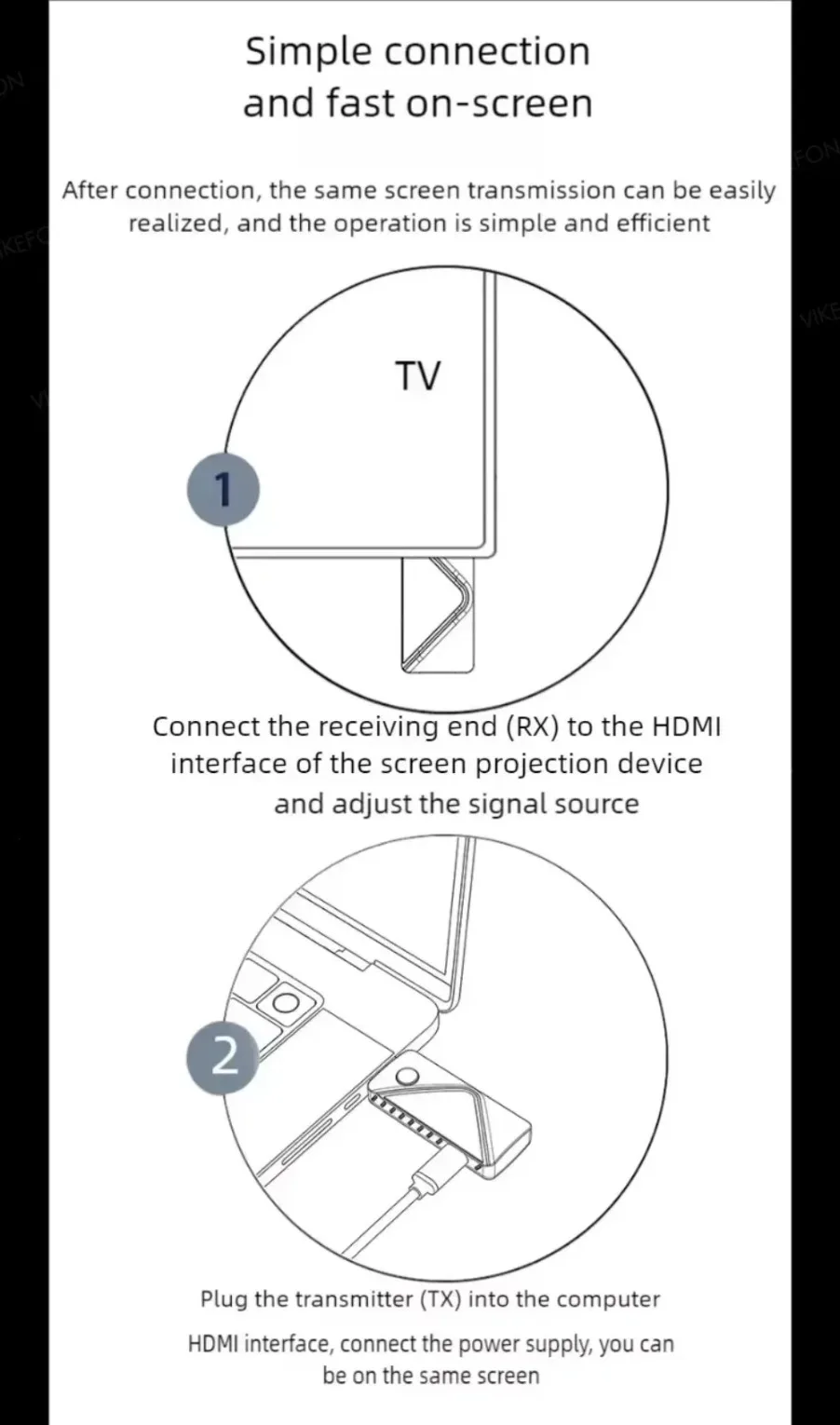
1. Connect the HD port of the receiver to the video input port of a display device such as a monitor or television.
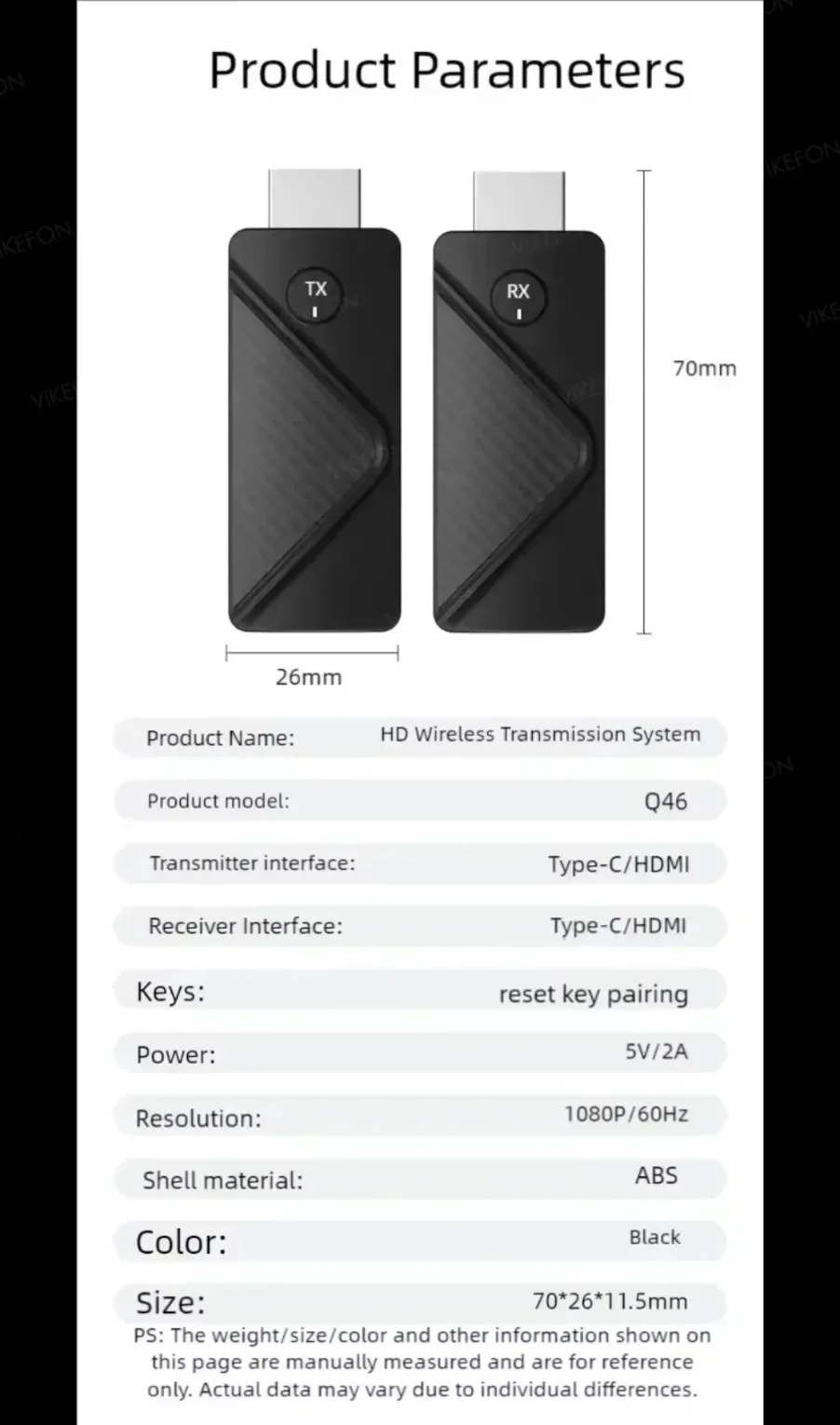
2. Connect the USB-C power port of the receiver to a charging cable and plug it into a power adapter or USB-C power port (voltage 5V, current 2A).
3. Adjust the HD signal source of the monitor or TV to the corresponding HD port until the receiver's startup screen displays and the startup is successful.
4. Connect the transmitter to a computer or other device with HD video output function. After the indicator light enters the flash state, wait for more than ten seconds to complete the projection.
Pairing instructions
The product has been paired before leaving the factory. Improper operation or other situations during use
Pairing failed, the steps to restore and re pair the device are as follows:
1. Press and hold the receiver function key for more than 5 seconds, and a prompt message "Pairing Timeout: 90S" will pop up on the interface; Waiting for the transmitter to enter pairing mode,
2. Press and hold the transmitter function key for more than 5 seconds, and the indicator light will flash for pairing. Wait for the transmitter indicator light to remain on to indicate successful connection.
Function settings
1. Search for a receiver in a wireless network
(The name is TuTuLink xxxx, and the default password is 12345678)
2. Open the mobile/tablet browser and enter 192.168.168.1 in the address bar
3. It can perform operations such as distribution network, resolution, upgrade, and restart.
Faq
Q: How to restore factory settings?
A: When the product malfunctions, press and hold the receiver function key for 15 seconds, and a black screen will appear. After restarting, the factory settings will be restored.
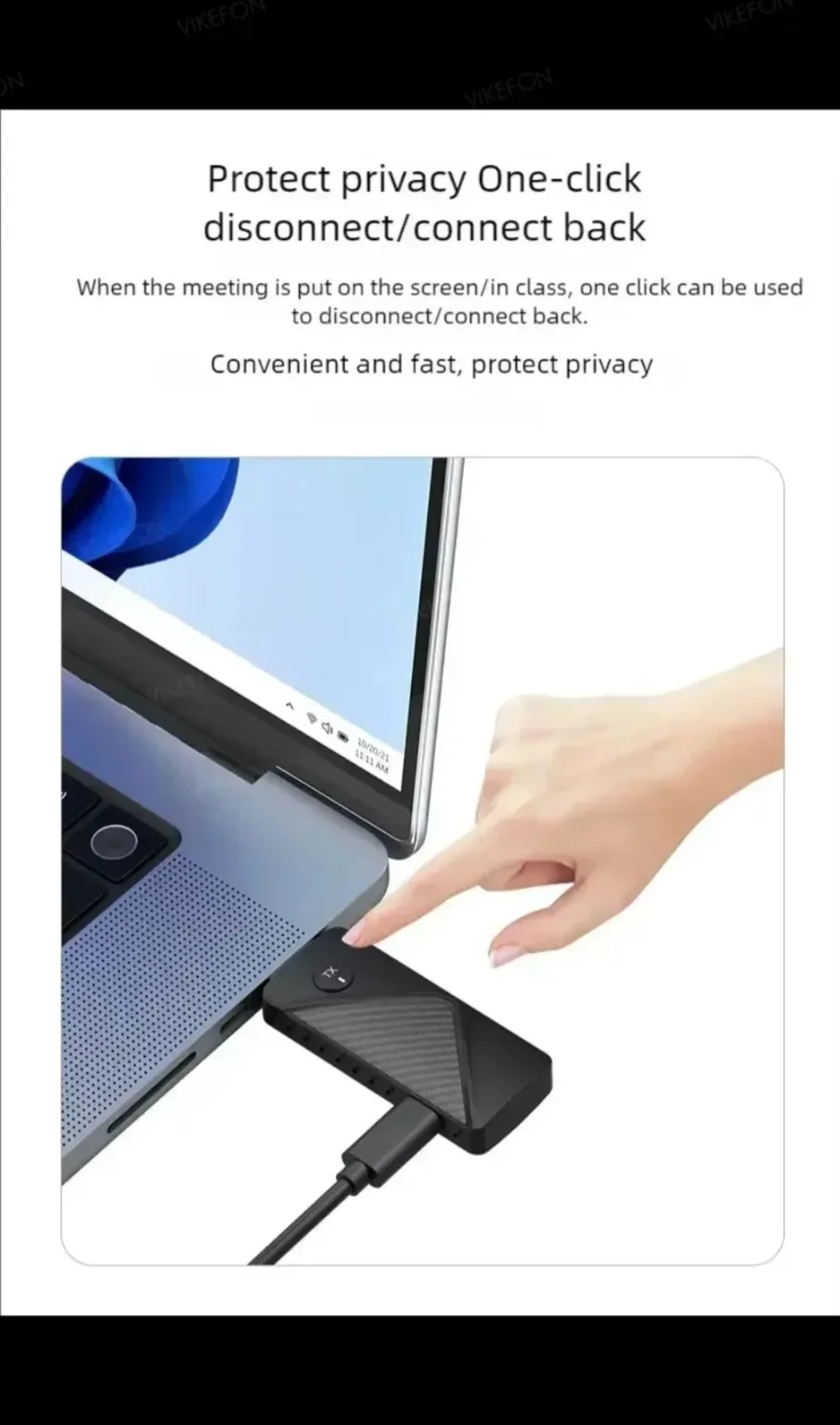
Q: How to enter privacy mode?
A: Lightly press the transmitter function key to disconnect or reconnect,
Specification: HDMI-Compatible Wireless Transmitter and Receiver1080P 30m Plug & Play 2.4G/5G Stable Video Audio to Monitor from Laptop/PC/TV
|
User Reviews
Be the first to review “HDMI-Compatible Wireless Transmitter and Receiver1080P 30m Plug & Play 2.4G/5G Stable Video Audio to Monitor from Laptop/PC/TV”


Related Products


Original price was: 111.70$.52.79$Current price is: 52.79$.


There are no reviews yet.